
Photo Gallery Module
The photo gallery module allows you to display a series of pictures. In one smooth transition, you are able to view all the images in a stylish slide show format.
If you click on the right-side of the enlarged image you can easily navigate to the next image in the series. Click to the left-side of the image to go back to the previous image in the series.
The Bean - Chicago
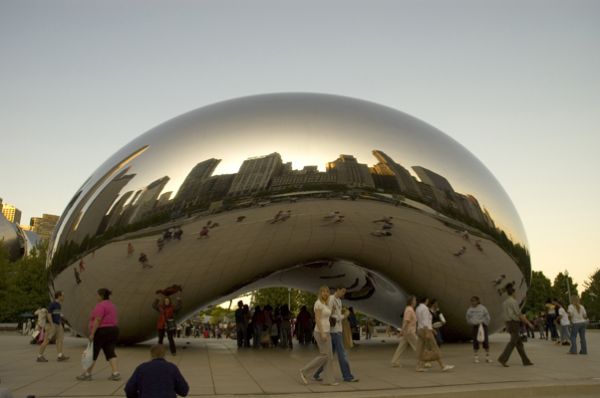
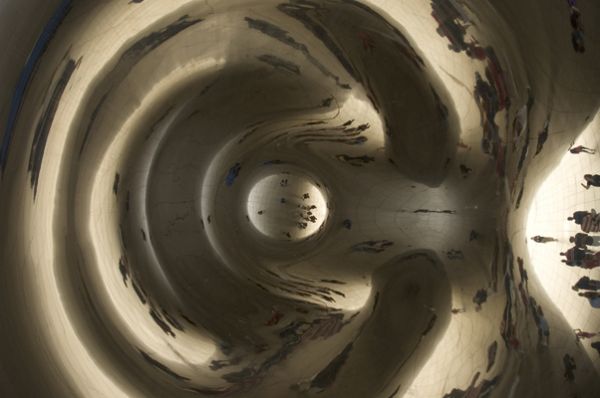
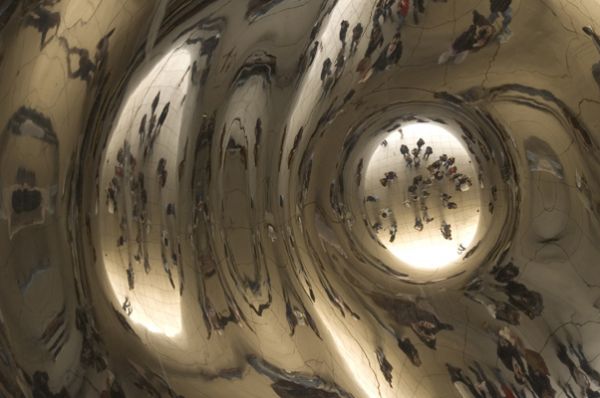
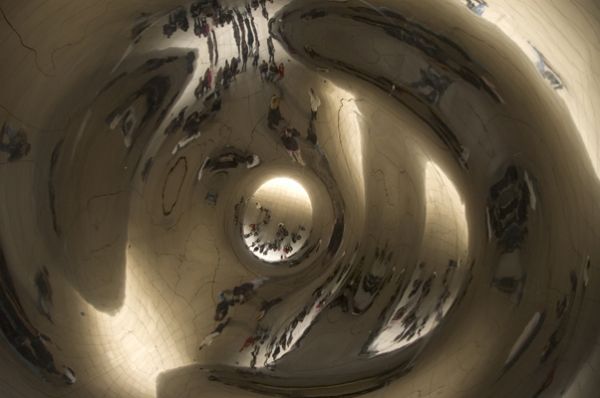
If you want to write a short description about the series of pictures, you can do so within the photo gallery module. The description appears alongside pictures just like this text.
Did you notice in the bottom left-hand corner of the first picture that we were able to name the image? You have the option of naming and/or writing a little description for each image. Don't feel like writing a description? No problem. The photo gallery module will still show the viewer what number image they are viewing and how many images are left in the series.
Each photo gallery module allows up to 12 images. Want to show more than 12 pictures in a series? Just add another photo gallery module and continue on your way.